Back to insight logs
Automation
The New Customer Welcome Sequence That Sets Expectations Before Day One
✔ HIGH-VALUE KEY PRINCIPLES IN BRIEF
1
A welcome sequence reduces post-sale anxiety.
2
Clear expectations prevent day-one surprises.
3
Good onboarding sets the tone for referrals.
A new customer can pay, sign the agreement, and still wonder if anyone is doing anything.
That gap kills momentum. A clear new customer welcome sequence answers the questions sitting in their inbox before they have to ask them. It reduces back-and-forth, gets the right materials in early, and gives your team a cleaner start.
For service businesses and high-ticket B2B companies, the order of messages matters. The right sequence covers the purchase, the timeline, the kickoff, the tools, and the first visible progress.
How a New Customer Welcome Sequence Sets Expectations Before Day One
A new customer welcome sequence is a planned set of emails, texts, forms, and reminders sent after the sale but before delivery begins.
It is not a receipt with "thanks for your business" attached.
A basic thank-you email confirms a transaction. A real onboarding sequence confirms the transaction, assigns the next step, explains who owns what, and tells the customer when to expect movement.

The sequence should connect to your sales process, CRM, and fulfillment workflow. If sales promises one timeline, the automation says another, and delivery has no access to the intake form, you have a handoff problem.
Customers do not need a flood of messages. They need the next clear instruction before uncertainty turns into a support request.
Customer onboarding trigger guidance often centers on real behavior, such as a completed purchase or missed action. That is the right model. Send a message because the customer reached a point in the process, not because Tuesday arrived.
Set a payment-to-kickoff timeline
Customers want five answers right away:
Did the payment or agreement go through?
What date does work begin?
Who is their main contact?
When should they expect a reply?
What is the first measurable outcome?
Use actual dates. "Your kickoff is Thursday, October 15 at 2:00 p.m. ET" beats "We'll be in touch soon."
For a Google Ads client, the first outcome may be conversion tracking installed. For an SEO client, it may be a completed technical audit. Set a realistic timeline early, and you prevent avoidable "Any update?" emails before work has even started.
Explain the customer's job before work begins
Most onboarding delays are not technical. They happen because someone needed access, a file, approval, or a decision, and nobody made the request clear.
A paid advertising client may need to provide Meta Business Manager access, Google Ads access, brand assets, past campaign data, and the person who can approve copy. A local roofing company may need service areas, financing details, before-and-after photos, and the office calendar rules for booked estimates.
Every request needs one owner, one deadline, and one completion path. Do not ask for "anything else you think might help." That creates a vague task, which usually means no task gets done.
Keep Sales, CRM, and Fulfillment on the Same Page
The welcome sequence cannot operate as a separate communication channel. It has to match what happened on the sales call.
If the customer bought SEO and Google Ads, the CRM should tag both services, assign the account owner, trigger the right intake form, and create internal tasks for the delivery team. If they only bought a one-time audit, they should not receive a 90-day campaign onboarding sequence.
Make the promise visible to the delivery team
Put the offer summary where the team can see it. Include scope, promised start date, primary contact, sales notes, payment status, and anything the salesperson agreed to.
That gives fulfillment context before the kickoff. It also exposes bad-fit promises before they become expensive.
Strong customer communication practices use consistent information across channels. Your customer should not get one answer by email and a different answer in a text message.
Assign internal tasks before customer messages go out
Customer-facing automation is only half the system. The other half is internal.
When a deal closes, assign the account manager, alert the media buyer or SEO lead, create the project record, and set the due date for the first review. A welcome message that promises a kickoff is useless if nobody owns the kickoff.
For high-ticket accounts, add a human review before the first automated message sends. Ten seconds of review can prevent a bad name merge, wrong service summary, or missed special condition.
Build a New Customer Welcome Sequence That Moves People Forward
The exact timing changes by offer. A contractor with a service visit next week needs a different cadence than a B2B firm with a 30-day marketing launch.
The rule is simple: the customer should never have to guess what happens next.
Message | Timing | Main action |
|---|---|---|
Confirmation | Immediately after purchase | Complete one required step |
Pre-kickoff request | One to three business days before kickoff | Send access and intake details |
Kickoff preparation | One day before meeting | Attend prepared to make decisions |
Early progress update | After the first milestone | Review what is complete and next |
Send the immediate confirmation and next-step message
Send this as soon as the payment clears or agreement is signed. Thank the customer, name the service purchased, confirm the next scheduled event, and give them one clear action.
That action may be an intake form or a kickoff booking link. Keep it tight. Do not bury the task under ten resource links, PDFs, and a company origin story.
A customer who needs help should know the support contact and expected reply window.
Use the pre-kickoff message to collect what the team needs
Send this one to three business days before kickoff, based on the buying cycle. Ask for access, goals, audience details, old campaign data, brand files, and decision-maker information.
Conditional forms help here. An SEO client does not need an ad account permission request. A Meta Ads client does not need to answer questions about Google Business Profile ownership unless local SEO is in scope.
Automated onboarding and welcome calls work better when reminders react to incomplete tasks. If the form is done, stop reminding them. If it is not, send one direct follow-up with the same completion link.
Prepare the customer for the kickoff and delivery process
Tell them what will happen on the call, who should attend, how long it will take, and what decisions need to be made.
Set the operating rules before the work begins. Explain the communication channel, approval process, reporting cadence, revision limits, and normal response times. A 15-minute reminder before the meeting can cover the agenda and the one thing they need to bring.
After kickoff, send a recap with decisions, owners, dates, and the next milestone. That record prevents selective memory later.
Add a progress update before the customer asks
Do not wait until the customer wonders whether the project disappeared into a black hole.
Send an update when research is complete, tracking is installed, a campaign is built, or an audit is finished. Keep it simple: what is complete, what is in progress, and what happens next.
The early update does not need to report results before results exist. It needs to show motion.
Use CRM Automation to Make the Welcome Process Consistent
Automation starts when a deal is marked won, an invoice is paid, or an agreement is signed. The trigger should match how your business knows the sale is real.
GoHighLevel, HubSpot, ActiveCampaign, and similar platforms can connect calendars, forms, email, SMS, pipeline stages, and internal alerts. That removes the "I thought someone sent it" problem.
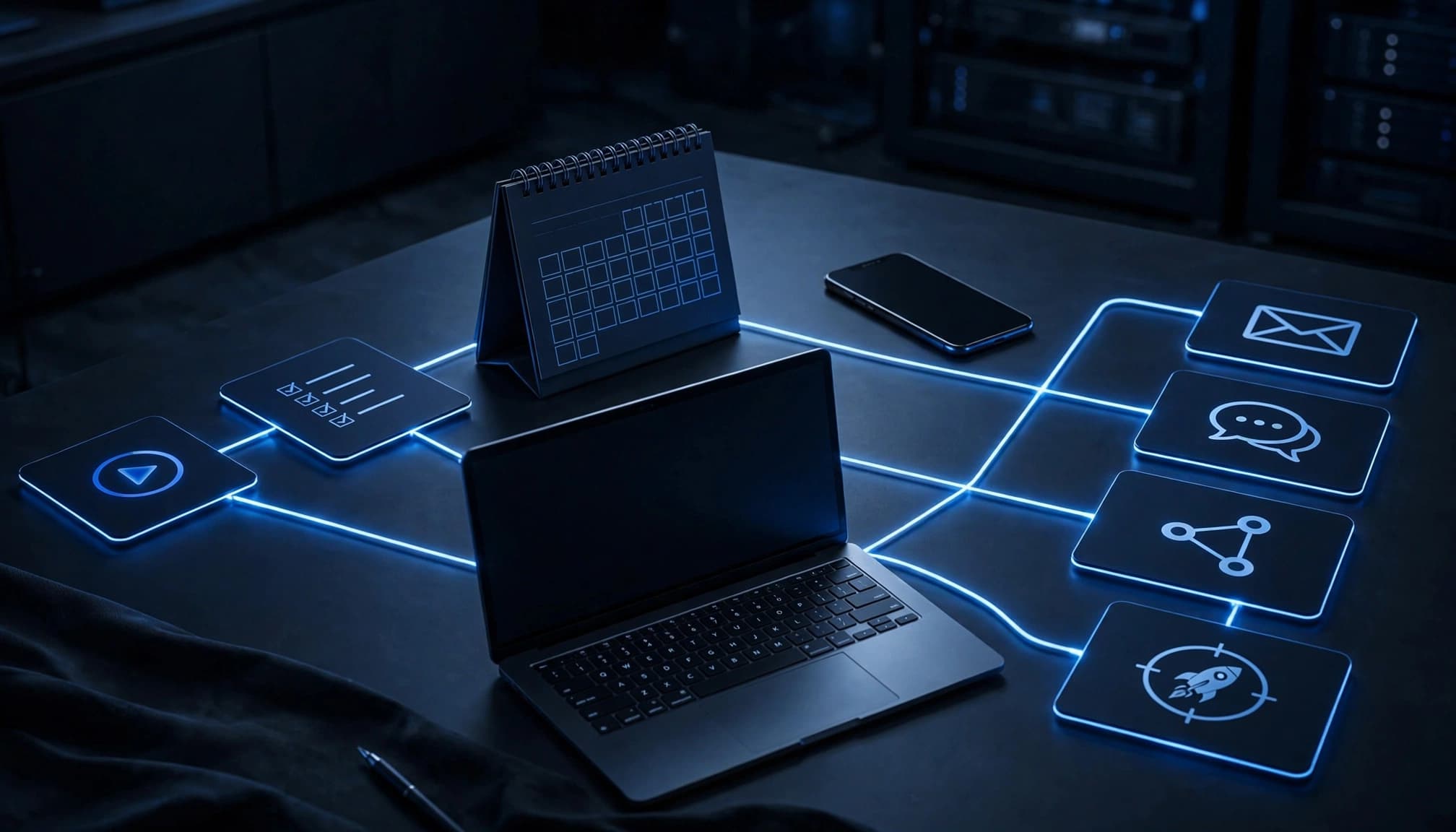
For an example of connected lead routing and follow-up in a high-ticket sale, see this capital advisory lead generation case study. The system does not end at the booked call. It has to support what happens after the sale too.
Create triggers, branches, and stop rules
Build different paths for different offers. New customers, returning customers, SEO retainers, paid advertising clients, and one-time projects should not receive identical messages.
Use branches for completed forms, booked meetings, customer replies, delayed projects, and missing access. Add stop rules when an account cancels, pauses, or moves to a different stage.
Protect the customer from duplicate texts and conflicting instructions. If a kickoff gets rescheduled, the old reminder must stop. If a customer replies with a question, a real person should see it before another generic reminder lands.
Keep automation personal and easy to act on
Use the customer's name, company, purchased service, assigned contact, and actual project date. Those details make automation feel like a system built for their account, not a broadcast list.
Keep one main action in each message. Complete the form. Grant access. Confirm the meeting. Review the recap.
SMS can work well for time-sensitive reminders, but it needs restraint. Follow SMS messaging best practices around consent, clarity, and frequency. Email carries detail. Text gets attention. Neither should repeat the other without a reason.
If a customer needs help choosing a start date or sorting out next steps, let them Book a Call with someone who can solve the issue.
Measure Whether the Welcome Sequence Improves Customer Experience
Open rates are useful, but they are not the score.
The real question is whether customers arrive ready to act and whether your team spends less time chasing missing information. Track the numbers before and after you automate.
Find the points where customers get stuck
Watch completed intake forms, kickoff attendance, time to first response, missing access requests, late approvals, early cancellations, and satisfaction after the first milestone.
Repeated questions are a warning sign. So are missed calls, incomplete forms, and customers asking what they paid for. Each one points to a message that was unclear, late, or missing.
Test one variable at a time. Shorten a form. Change the subject line. Move a reminder. Replace vague instructions with a direct deadline. Do not rebuild the entire process because one step underperformed.
Compare workflow performance, not inbox activity
A good welcome sequence shortens time to kickoff and reduces manual follow-up. It also gives the delivery team cleaner inputs before they start spending ad budget or publishing work.
If you need to compare platforms as your process grows, this overview of customer engagement software options can help frame the categories. Pick tools that fit your operating process, not tools with the longest feature list.
Avoid Welcome Sequence Mistakes That Damage Trust
Too many messages feel like pressure. Generic messages feel lazy. Promising leads, rankings, or ROAS before the work starts creates a problem you cannot email your way out of.
Do not hide deadlines. Do not ask for the same information twice. Do not rely on email alone for a kickoff happening tomorrow. Do not leave an old automation active after the scope or timeline changes.
Clear communication is part of the service
The customer is already evaluating your operation before the first campaign launches. Every handoff either builds confidence or burns it.
A tight new customer welcome sequence shows control. It tells the customer what is happening, what you need, and when they will hear from you next. That is not an extra admin task. It is part of delivery.
Put Certainty Into the First Week
The best onboarding sequence removes uncertainty before day one. It confirms the purchase, shows the timeline, collects what the team needs, and sets the rules for communication.
Start with the first three messages. Connect them to your CRM. Then improve the workflow based on form completion, kickoff attendance, and the questions customers keep asking.
A customer should not have to chase clarity after they buy. Your system should provide it first.

Jackson Kolinski
Based in Wisconsin, Jackson designs and integrates direct-response acquisition pipelines, on-page SEO schema algorithms, and automated customer relationship messaging workflows under strict ROI frameworks.
Want your CRM to run this mathematical sequence?
Schedule our 90-second system audit and book your free direct operational review session. No complex pitch. Just real coordinates.